For hospital & clinic managers
Fewer calls to the desk. More patients seen.
Patients book your departments in the Zoner app, your desk checks them in, and visit records and results go straight to the patient’s phone. Claims for insured visits leave from the same screen.
Priced for your branches. Ask for a quote on the call.
Already on Zoner?Provider login
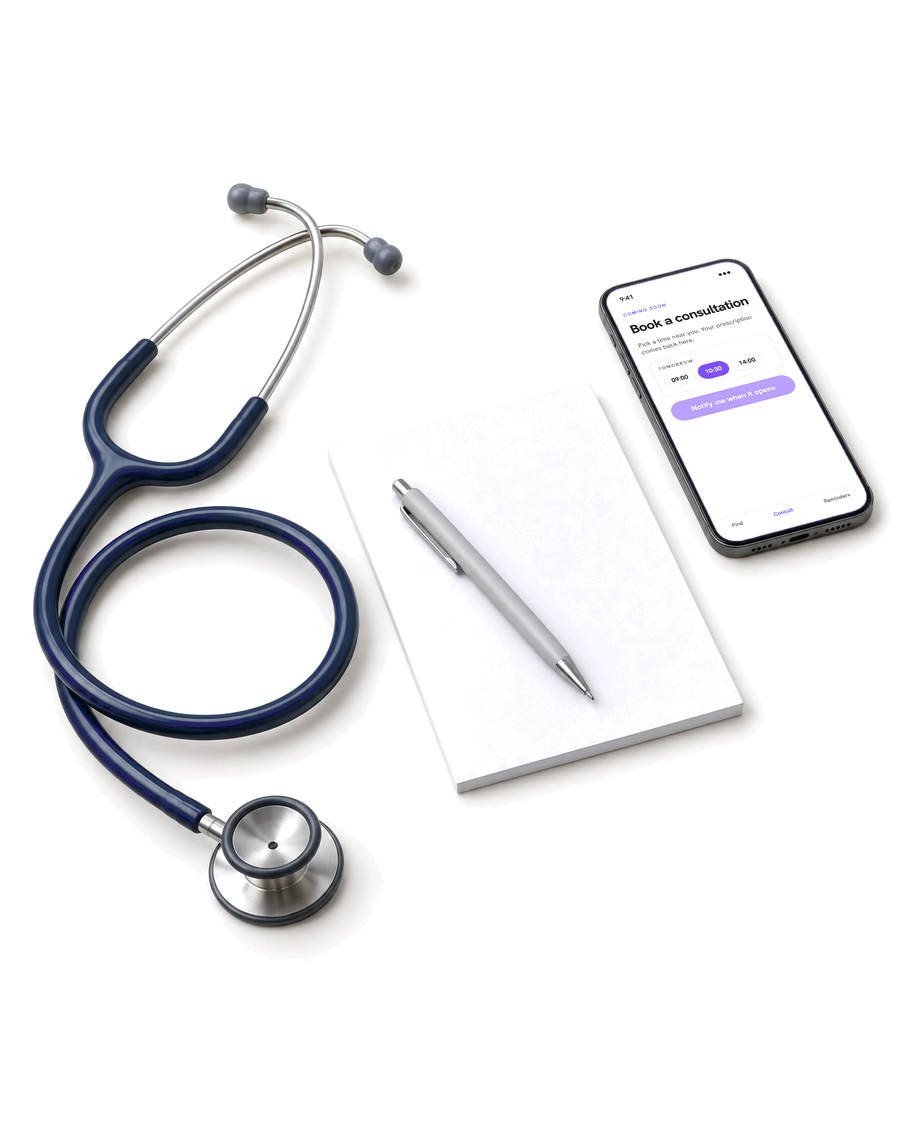
A visit, followed through · Sample
Take bookings without the phone ringing
Patients pick a department and a free time in the app, and Zoner gives the booking to a doctor with that time open.
Results that reach the patient
Visit records, results and files go to the patient’s Zoner app, so nobody waits at the desk for a printout.
Claims from the visit, not from paper
What you record on the visit becomes the claim. Follow it to payment, and fix and resubmit a rejection on the same screen.
Connected care
Patients leave with their records, not a paper envelope.
Results, visit records and attachments you send through Zoner stay in the patient’s app. When you order a test, the patient can book it at a lab on Zoner, and the result comes back to the order.
Book a 30-minute callThe dashboard
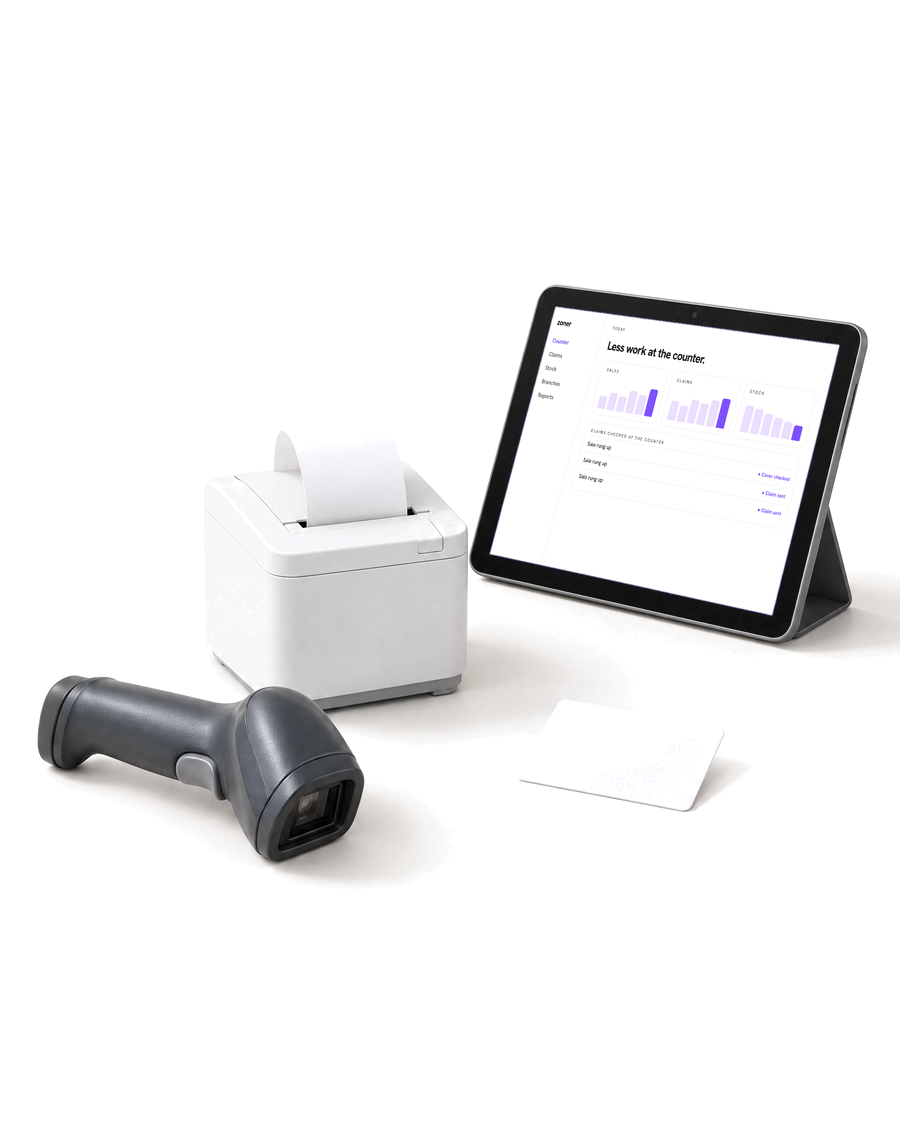
One dashboard for the desk and the doctors.
Bookings, the day’s queue, doctors’ hours, records and claims, for every branch. Each member of staff sees what their role needs.
 Bookings
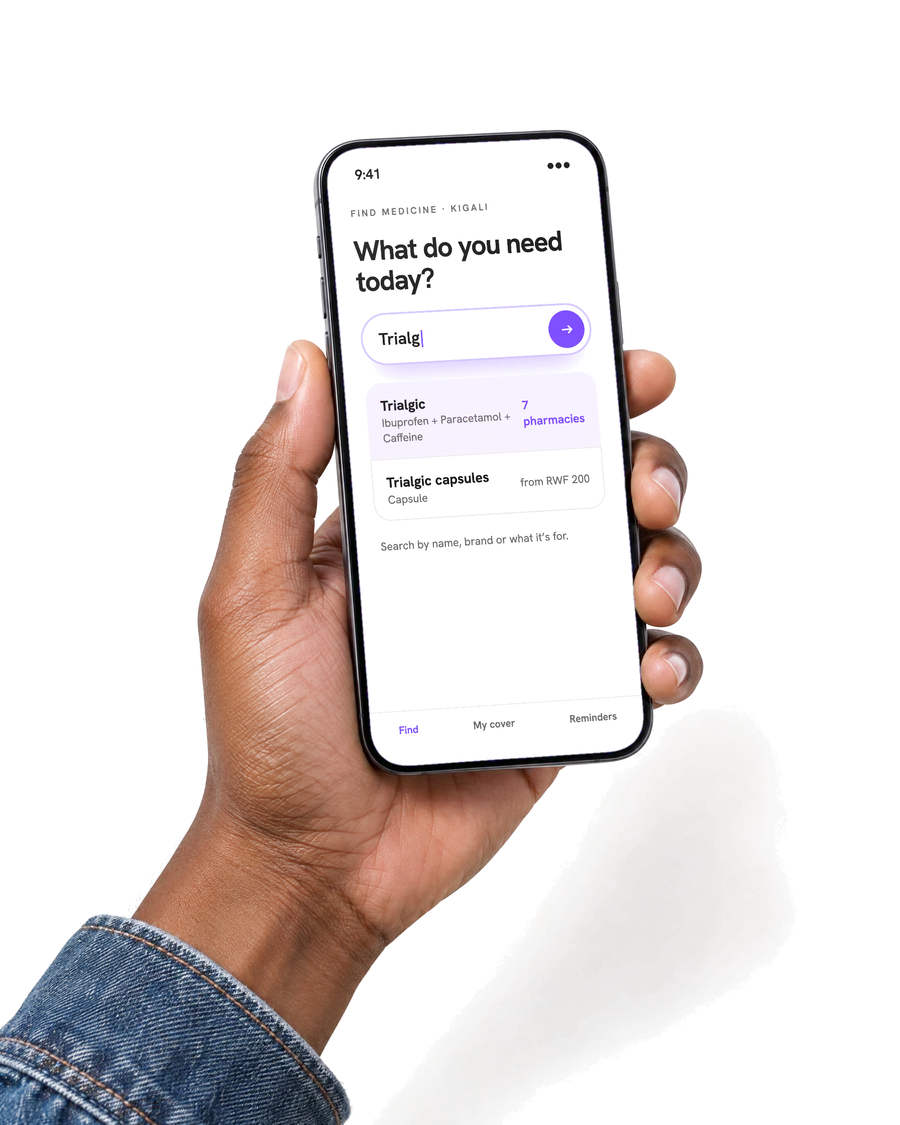
Patients book you from the app
Patients choose a department and a free time in the Zoner app. Zoner gives the booking to a doctor who has that time open, from the weekly hours you set.
 Front desk
Book callers and walk-ins in seconds
Find the patient by phone number, or add them on the spot, and book them into any department from the desk.
- Records
Results go straight to the patient
Write the visit record and attach images or PDFs. The patient has it in their app as soon as you save it, not in an envelope at the desk.
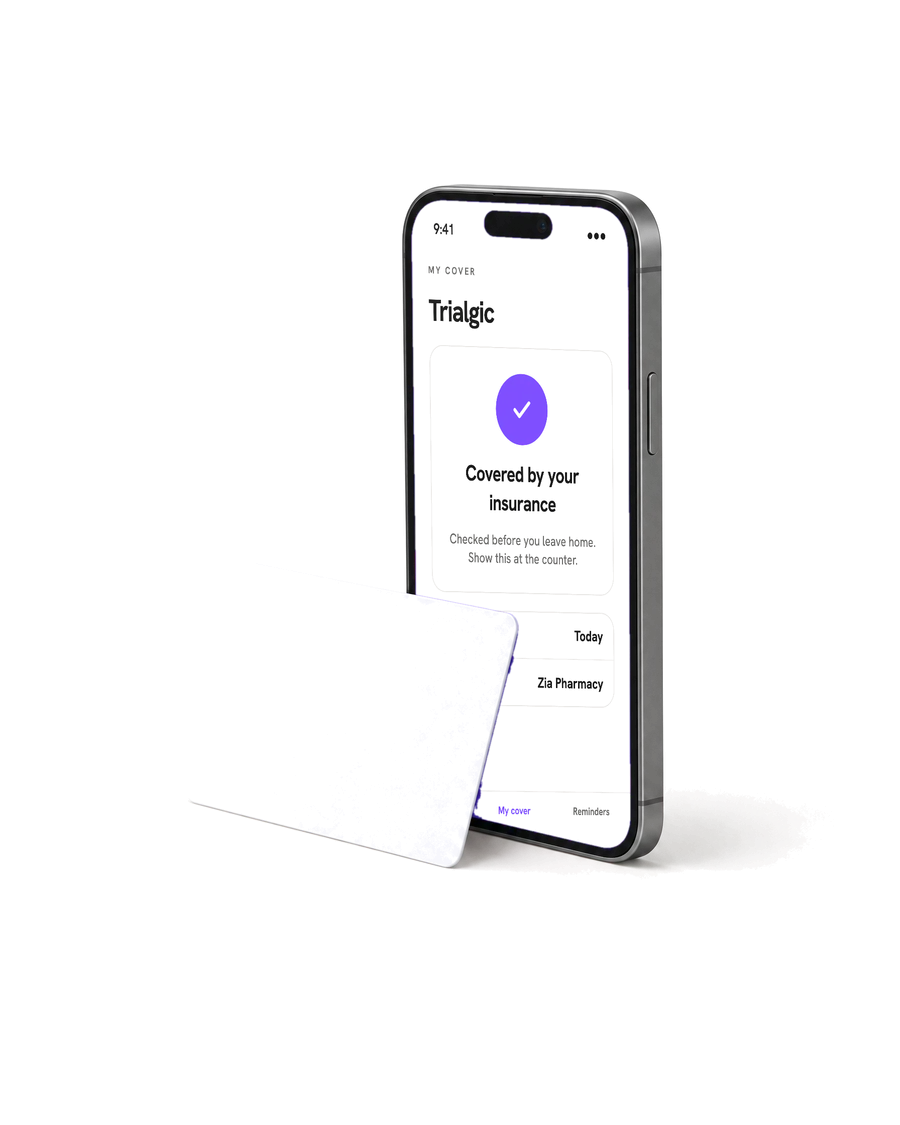 Claims
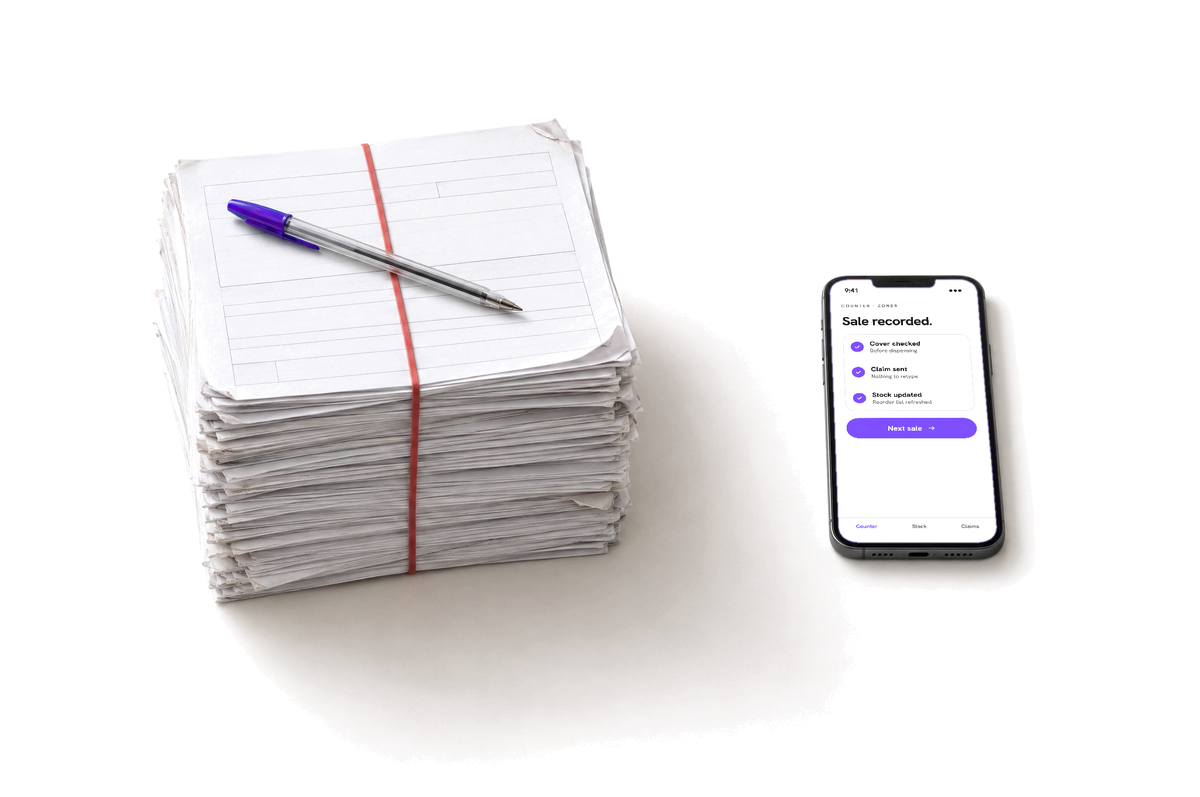
Claim for insured visits as you go
The services recorded on a visit, priced from your own tariff, become the claim. Follow approvals and payments, and resubmit a rejected claim on the same screen.
 Your systems
Keep your hospital system
Already run an HMIS? Connect it through the Zoner Gateway: bookings, patients, lab orders and results move between it and Zoner.

Questions from managers
- What does Zoner do for my hospital?
- Zoner takes bookings from patients in the app and at your desk, checks patients in, sends visit records and results to the patient’s phone, and turns insured visits into claims.
- Do patients choose their doctor?
- No. Patients book a department at a time that suits them, and Zoner gives the booking to a doctor with that time free, from the weekly hours you set.
- Is it only for hospitals?
- No. Clinics and health centres use Zoner the same way, with their own departments and doctors.
- Can we keep our hospital information system?
- Yes. Your HMIS connects to Zoner through the Zoner Gateway, so bookings, patients, lab orders and results stay in step. The developer docs are at developers.zoner.health.
- Which insurers does Zoner work with?
- Claims go through Zoner to the insurers connected to it. Book a call and we’ll tell you which of your insurers are live for hospitals today.
- Can I run several branches from one account?
- Yes. Each branch has its own departments, doctors and hours, and you see bookings and claims for all of them from one dashboard.
- How much does Zoner cost?
- It depends on your branches and staff. Book a 30-minute call and we’ll give you a price.
Ready to see every booking in one place?
Book a 30-minute call with our setup team. We’ll follow a booking from the app through check-in to the result on the patient’s phone.