For lab & imaging centre managers
Every test booked. Every result delivered.
Patients find your tests and scans in the Zoner app, book a time or a walk-in day, and get their results on their phone. Orders from hospitals on Zoner arrive with the patient.
Priced for your branches. Ask for a quote on the call.
Already on Zoner?Provider login
A test, followed through · Sample
Your price list, in patients’ hands
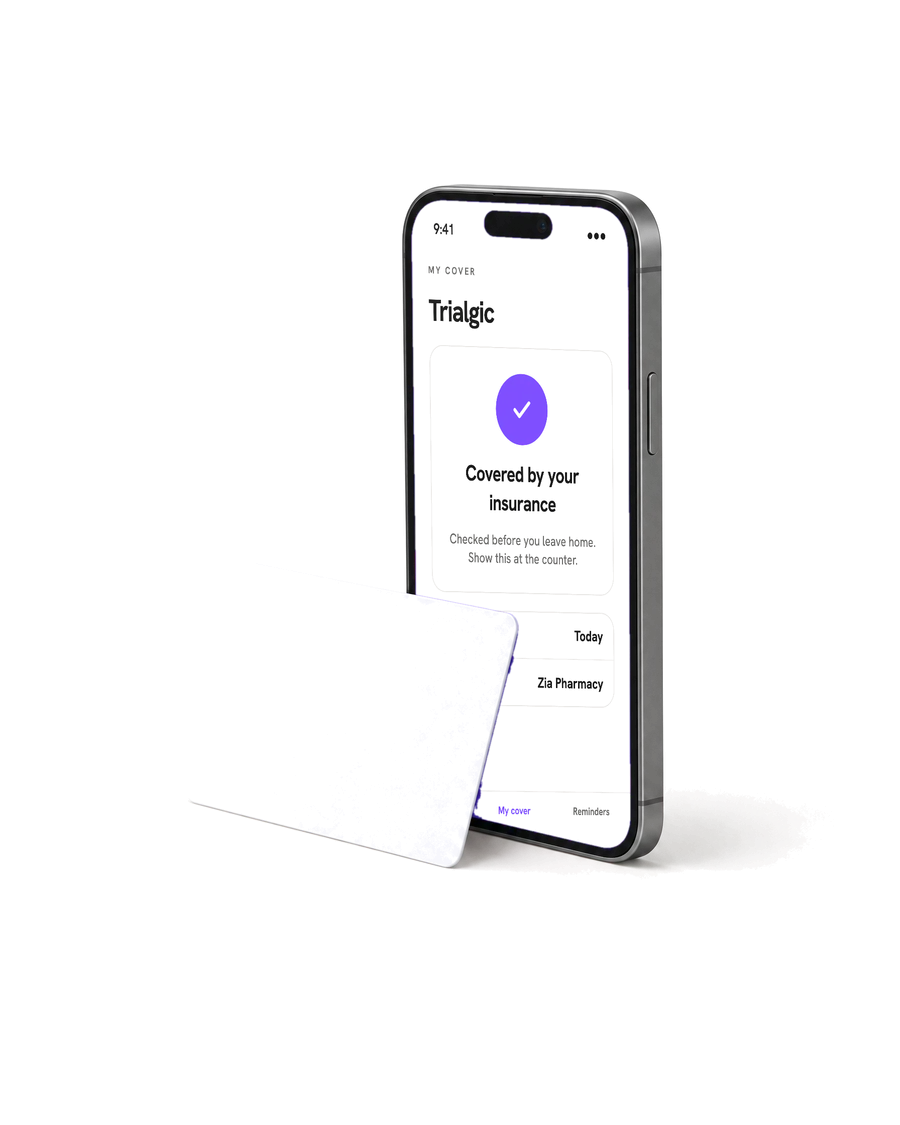
Every test and scan you offer, priced per branch, with walk-in days or time slots up to the capacity you set.
A queue the desk can run
Find the booking by its AP- number and check the patient in. Walk-ins get a queue number.
Results without the printout
Enter results once: they go to the patient’s app, and back to the doctor who ordered the test.
Lab orders
The order arrives before the patient does.
When a hospital on Zoner orders a test, the patient can book it at your lab from the app. You see what was ordered, and your result goes back to the order and to the patient’s record.
Book a 30-minute callThe dashboard
One dashboard for the desk and the bench.
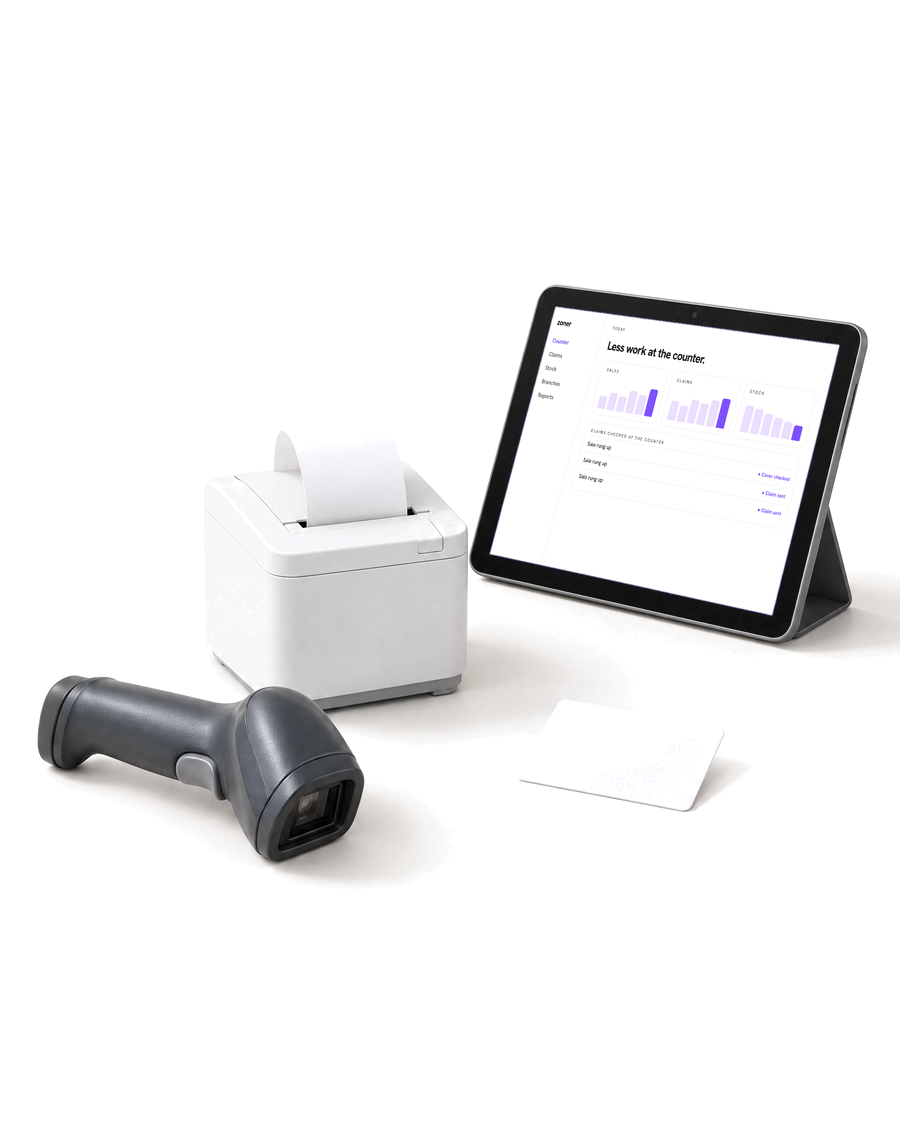
Bookings, today’s queue, your tests and prices, results and claims, for every branch you run, lab or imaging.
 Your tests
Publish your tests and prices
Choose your tests and scans from Zoner’s catalogue, set each branch’s price, and offer packages that bundle them.
 Bookings
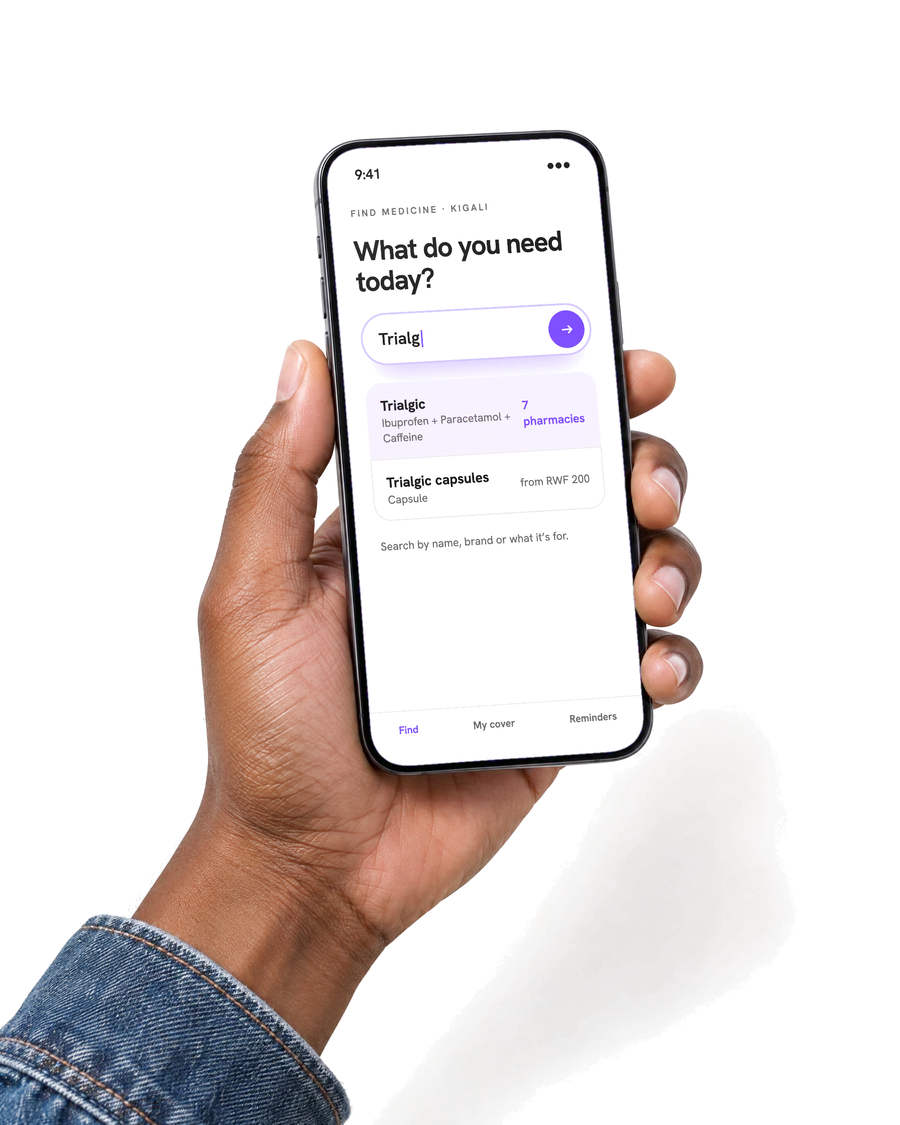
Patients book a time, or just walk in
Offer time slots with the capacity you can handle, or walk-in days. Patients can upload a referral and ask for home collection.
 Results
Results go straight to the patient
Enter results once and attach the report. The patient has them in their app, and when a doctor ordered the test through Zoner, the result goes back to the order.
 Claims
Claim for insured tests
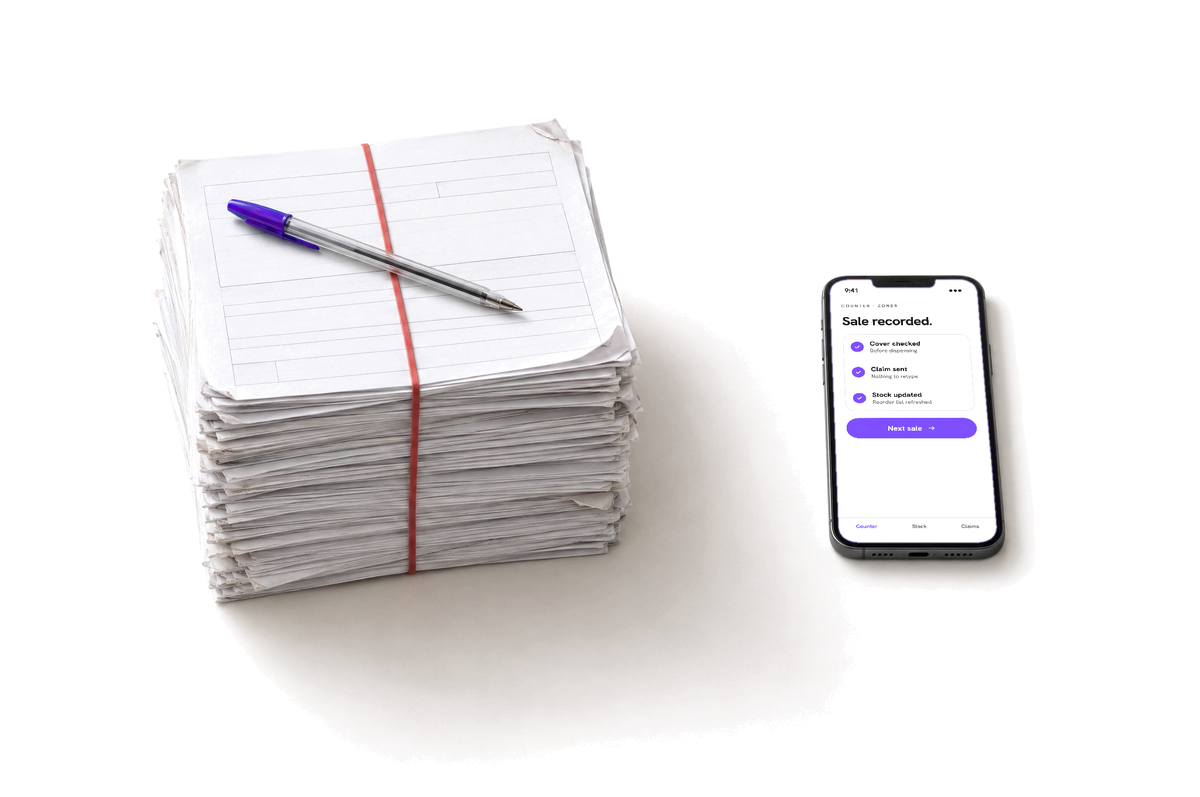
Tests done for insured patients become claims, priced from your own tariff. Follow approvals and payments, and resubmit a rejected claim on the same screen.
- Your systems
Keep your lab system
Connect your LIS or imaging system through the Zoner Gateway: map your test codes once, then take orders and send results from the system you already use.

Questions from managers
- What does Zoner do for my lab?
- Zoner puts your tests and scans in the Zoner app with your prices, takes bookings and walk-ins, checks patients in, and sends results to the patient’s phone.
- Does it work for imaging centres?
- Yes. Scans are booked the same way as lab tests, with time slots and the capacity you set.
- How do lab orders from hospitals work?
- When a hospital on Zoner orders a test, the patient can book it at your lab from the app. You see what was ordered, and your result goes back to the order as well as to the patient.
- Can patients book home collection?
- Yes, for the tests you offer it on. The patient asks for it when they book.
- Can we keep our lab information system?
- Yes. Your LIS connects to Zoner through the Zoner Gateway: you map your own test codes once, and orders and results flow through it. The developer docs are at developers.zoner.health.
- Which insurers does Zoner work with?
- Claims go through Zoner to the insurers connected to it. Book a call and we’ll tell you which of your insurers are live for labs today.
- How much does Zoner cost?
- It depends on your branches and staff. Book a 30-minute call and we’ll give you a price.
Ready to put your tests in patients’ hands?
Book a 30-minute call with our setup team. We’ll follow a test from the booking through check-in to the result on the patient’s phone.